Generative Video in Trailer Production
Using Midjourney, Chat-GPT 4o Image Generation and Runway to create Footage

The starting point for this project wasn’t a tool: it was a camera idea. A shot that feels instantly cinematic, a smooth camera move straight through an airport body scanner, revealing the title “Airport Security USA”. A shot that would normally be expensive, hard to shoot and to nieche to be found as stock footage - perfect territory to explore what AI can actually contribute to professional trailer production.
I began the process very traditionally: with a rough sketch. Just enough to define perspective, framing and the moment where the title should appear. This sketch then became the basis for my Midjourney prompts.
I generated lots of variations – tweaking scanner design, lighting, lens feel and crowd density. The goal wasn’t realism alone, but something that already felt like a frame from a TV production.
Once I had a promising base image, I moved into Photoshop. Here I cleaned up the composition, removing unnecessary people and visual noise to make the camera path clearer and the focus more intentional.
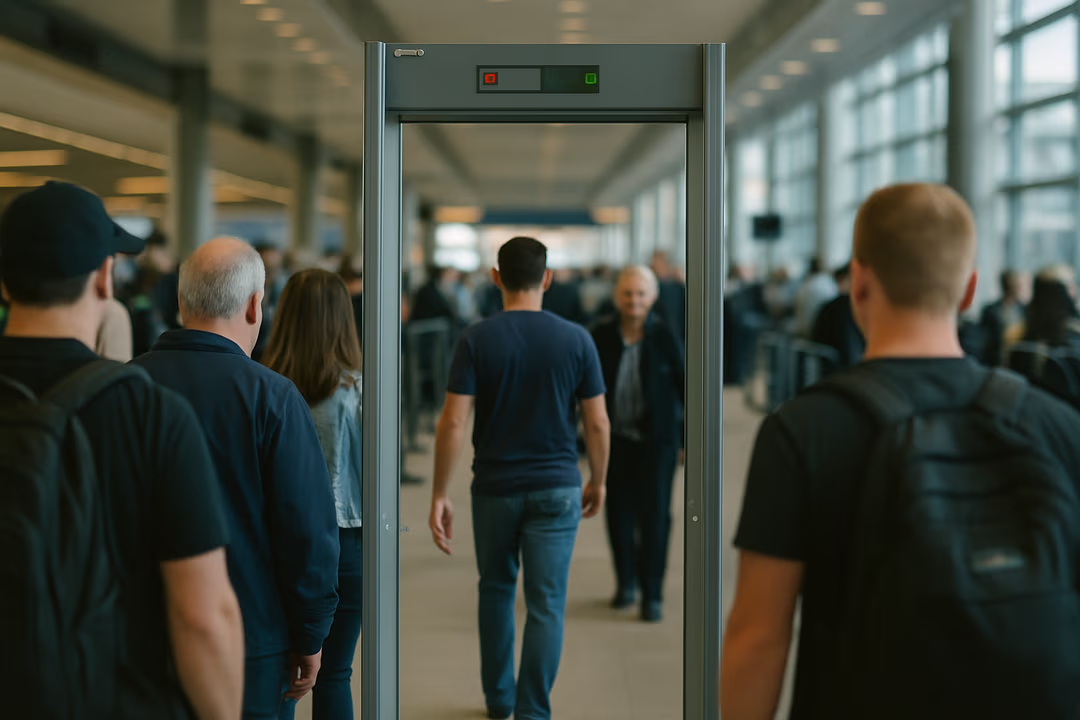
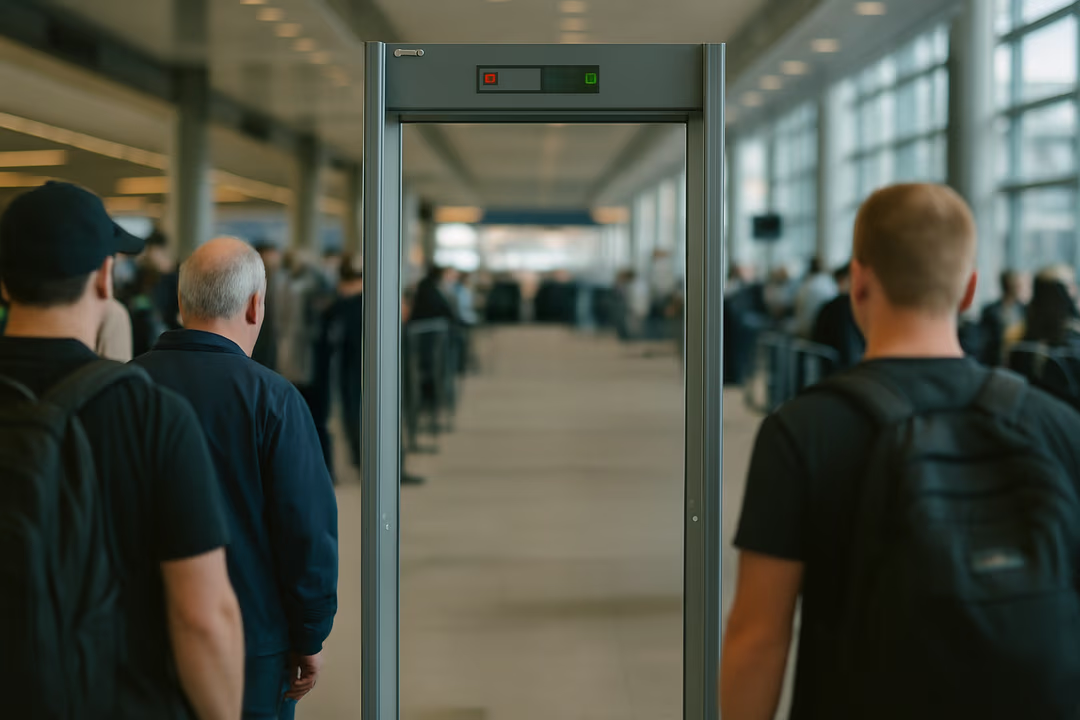
I defined a dolly move straight through the scanner, describing the camera motion, speed and depth in detail. It took a few attempts to get a usable result – some versions felt too floaty, others broke perspective – but eventually I landed on footage that felt grounded enough to work with. With that clip in hand, I switched back to conventional territory: After Effects. Even though the footage was AI-generated, I treated it like real camera material:
- 01tracking the camera move
- 02stabilizing and refining the motion
- 03placing the title cleanly into the scene
On top of that, I added small details that sell the realism:
- 01a subtle blinking light on the scanner
- 02restrained depth blur
- 03cinematic color grading
- 04a touch of grain to break the “too perfect” AI look
All of it aimed at making the shot feel like something that could have been filmed on a real set.
This project wasn’t about replacing traditional production – it was about extending it. AI helped me prototype a complex shot, iterate quickly and arrive at a result that would otherwise require a full location, extras and VFX work.
Used thoughtfully, these tools don’t lower quality – they unlock ideas that were previously out of reach.